How it works
Add a photo
Choose a file, drag and drop it, or paste it with Ctrl+V. PNG, JPEG, WebP, AVIF and GIF up to 50 MB.
The AI finds the subject
An open-source segmentation model runs on your device, using your graphics card when available. Nothing is sent to a server.
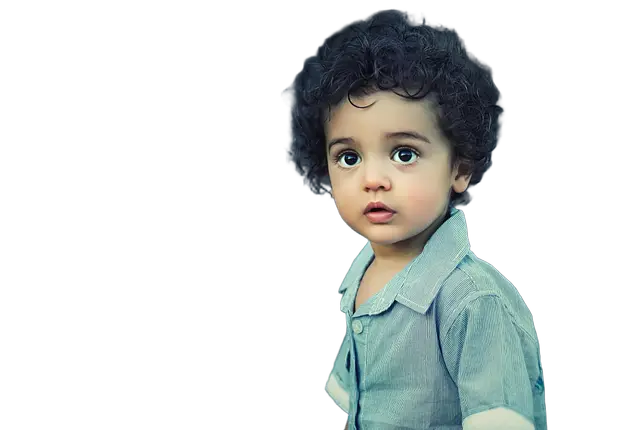
Download the cutout
Keep a transparent background or pick white or any color, then download a full-resolution PNG, WebP or JPG.
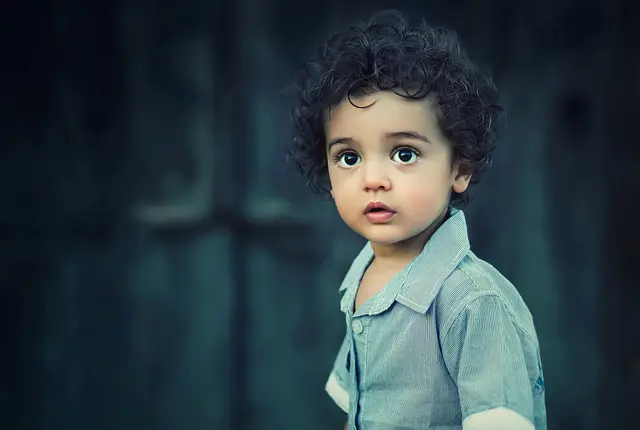
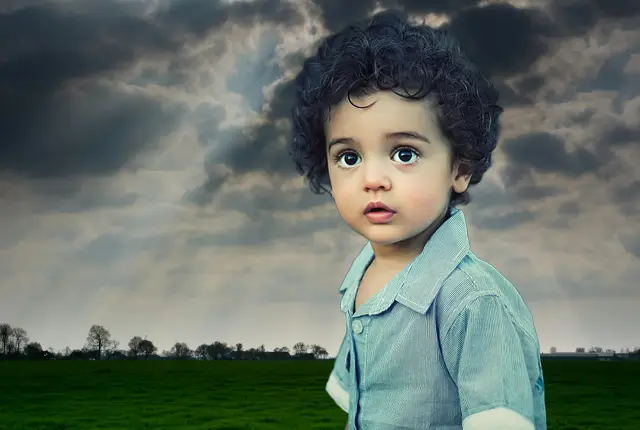
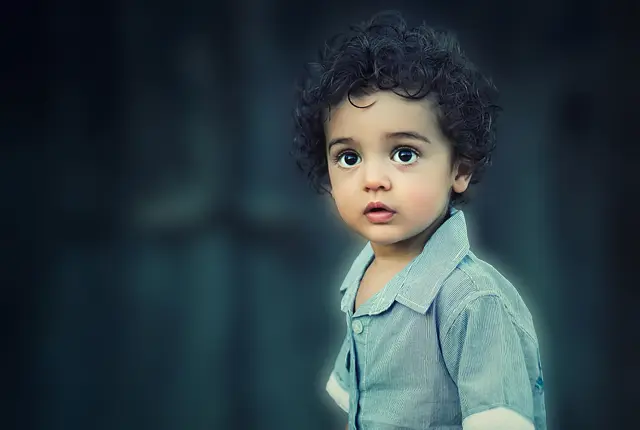
See what you can make
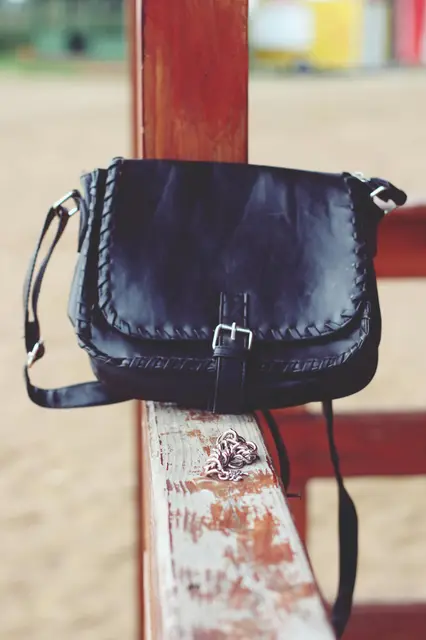
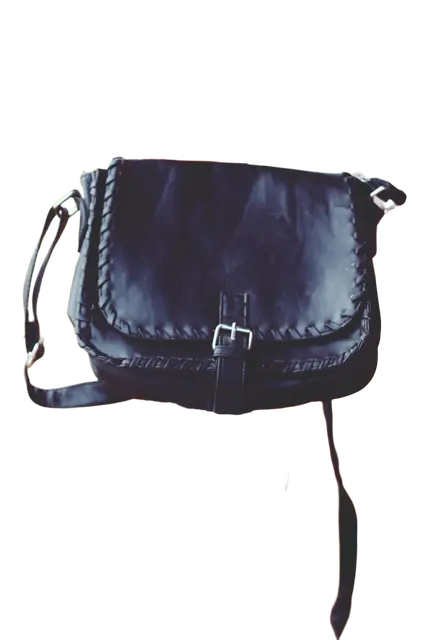
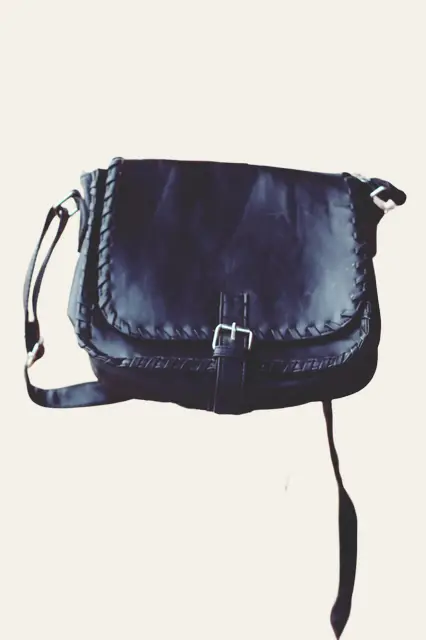
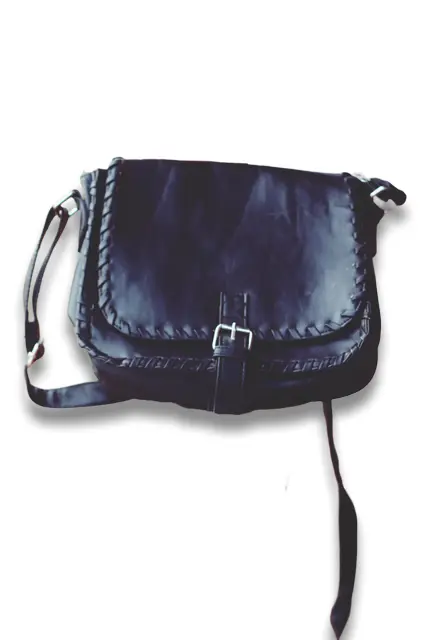
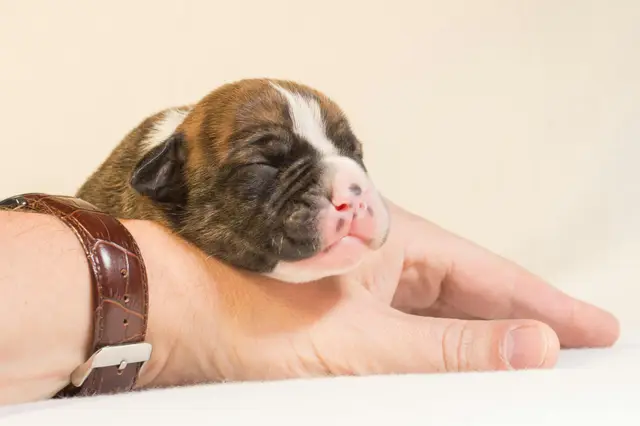
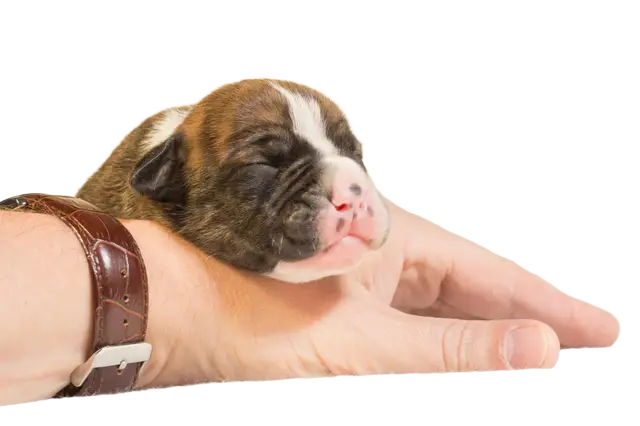
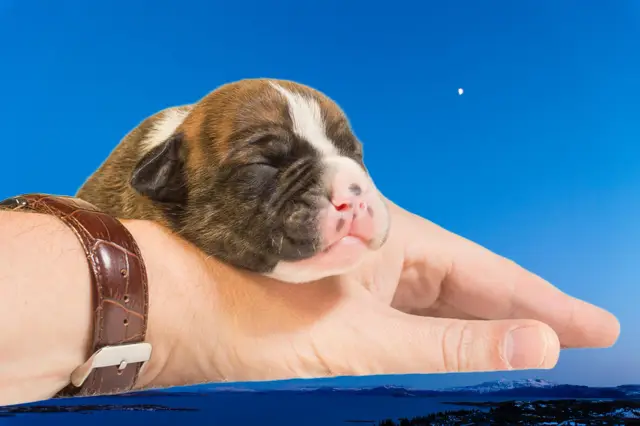
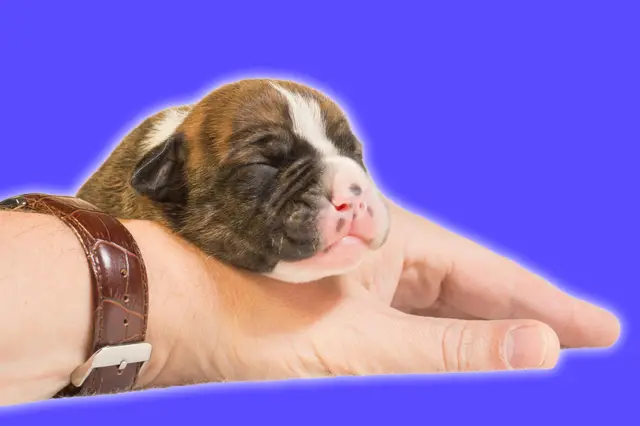
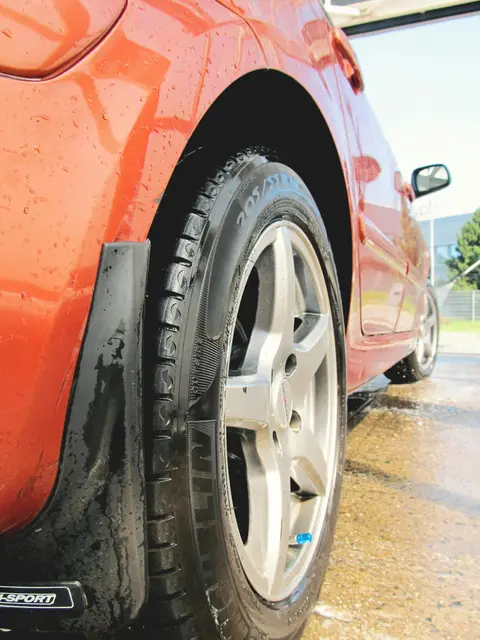
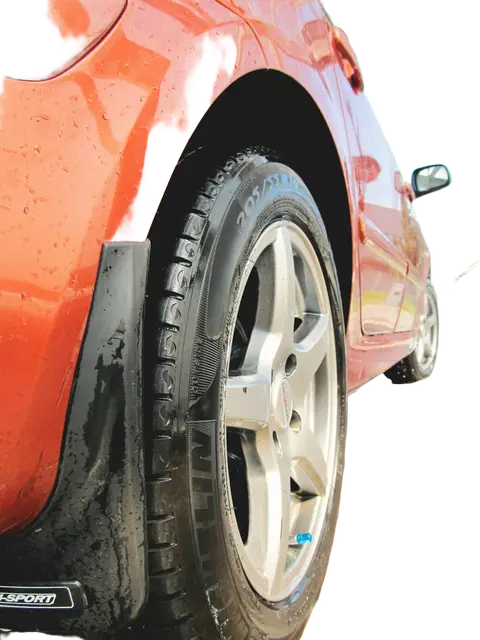
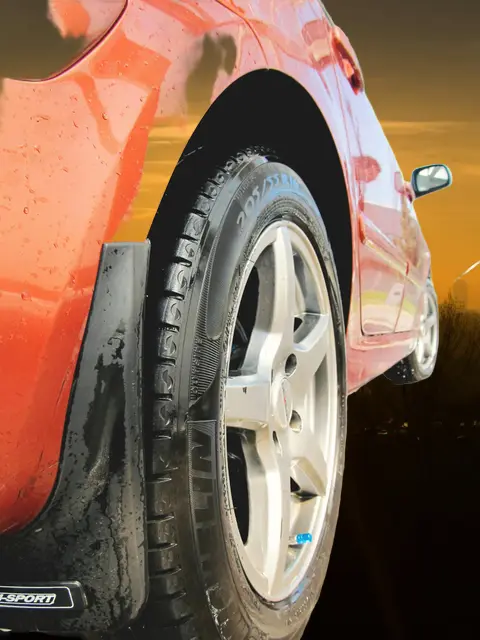
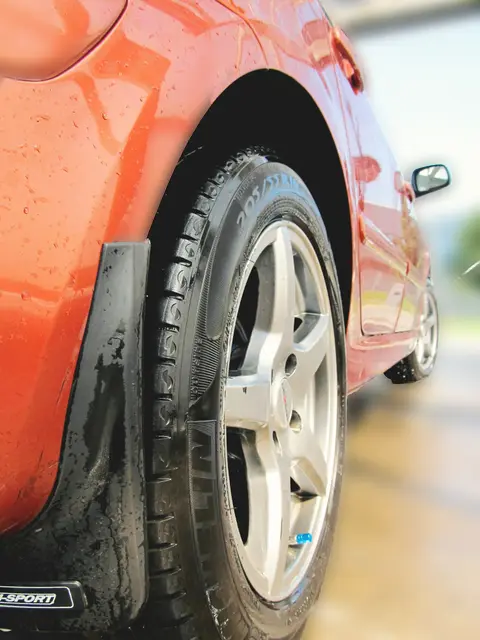
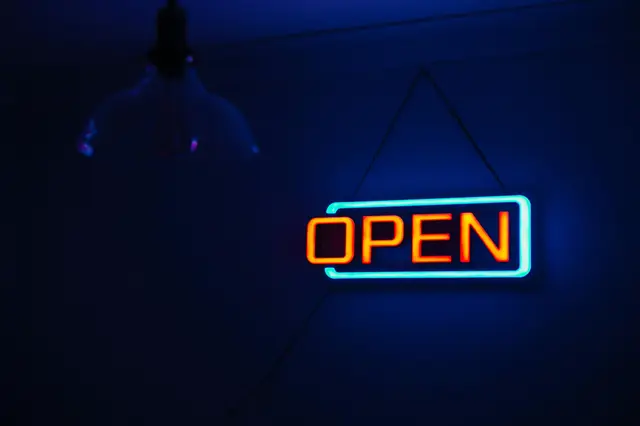
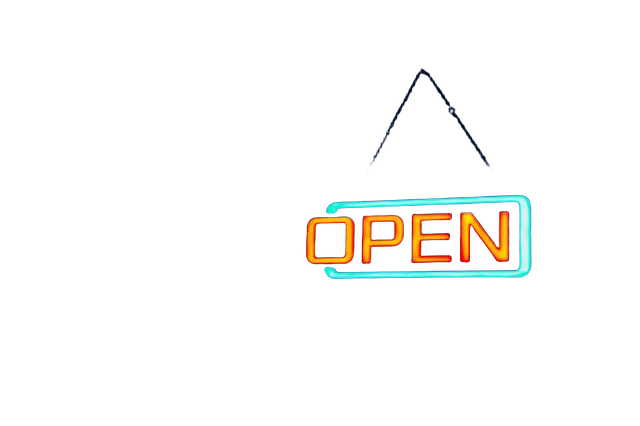
Real photos, cut out by the same AI that runs in your browser.
Why Cutova
Free
Background removal and full-size downloads cost nothing. There are no credits to buy and no watermark.
Full resolution
You get the size of your original photo, up to about 50 megapixels on a computer, not a small preview.
Zero upload
Your images are processed in your browser. They are never sent, stored or used to train anything.
No account
Open the page and start. No sign-up and no email address needed.
Made for your work
Car dealers
Consistent vehicle photos on clean backgrounds.
Developers
Open models, in-browser processing, and what is coming next.
Online sellers
White-background product photos in store-ready sizes.
Companies
Image editing that never sends files outside your devices.
Everyday photos
Profile pictures, stickers, school projects and fun edits.
Marketing teams
Visuals for social media, ads and presentations in brand colors.
Media and creators
Thumbnails, covers and illustrations made fast.
Photographers
Quick cutouts for portraits and client previews, at full resolution.
Frequently asked questions
Is Cutova really free?
Yes. Background removal and full-resolution downloads are free and do not require an account. The processing happens on your own device, so there is no server cost per image to pass on to you.
Are my photos uploaded anywhere?
No. The AI model is downloaded once to your browser and runs there. Your images never leave your device. The page is built so that it cannot send image data to another site.
Which file formats can I use?
You can add PNG, JPEG, WebP, AVIF and GIF files up to 50 MB. You can download the result as a transparent PNG, a WebP, or a JPG (JPG has no transparency, so a white or colored background is used).
Why is the first image slower?
The first time, your browser downloads the AI model (about 110 to 220 MB depending on your device) and prepares it. It is then kept in your browser's storage, so the next images start much faster.
Does it work on a phone?
Yes, in a recent mobile browser. Very large photos may be reduced automatically to fit the memory of the device, and processing is slower than on a computer with a graphics card.
What kind of images work best?
Photos with a clear main subject: people, animals, products, cars. Hair and fur are handled well. Transparent objects, signatures and very busy scenes are harder and may need a second try with a cleaner photo.